Are you tired of sifting through endless software options, only to find that many come with hefty price tags or cumbersome trials? Do you wish there were reliable, free alternatives that could help you get the job done without draining your wallet? Look no further! I’ve curated a list of 10 essential software for Windows that won’t cost you a dime. From Office Suites to Media Player, these free tools will help you work smarter, stay safer, and get more out of your Windows experience.
Keep in mind that this list reflects my personal picks, and your needs may vary. However, these tools have proven to be incredibly useful in my own workflow, and I’m excited to share them with you! The list consists of:
Libre Office
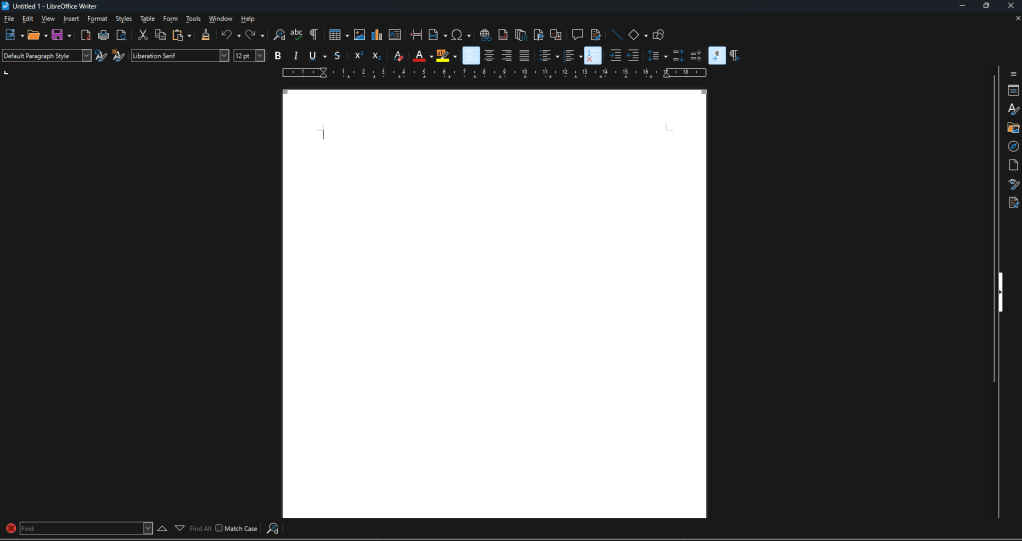
LibreOffice is a powerful and feature-rich office suite that’s completely free to download and use. It offers a range of tools, including word processing, spreadsheet, and presentation software, making it an excellent alternative to Microsoft Office. With its compatibility with Microsoft Office file formats, you can easily open, edit, and save files created in Word, Excel, and PowerPoint.
Some of the key features of LibreOffice include:
- Support for multiple file formats, including ODF, DOCX, XLSX, and PPTX
- Built-in templates and styles to help you create professional-looking documents
- Advanced formatting options, including font, paragraph, and page layout controls
- Collaborative editing capabilities, allowing multiple users to work on a document simultaneously
- A range of extensions and plugins available to enhance functionality
Whether you’re a student, professional, or simply someone who needs to get work done, LibreOffice is a versatile and reliable tool that can help you achieve your goals without breaking the bank. Even though this is the best alternative to Microsoft Office, it still lacks some features compared to it.
License: Mozilla Public License Version 2.0
Notepad++
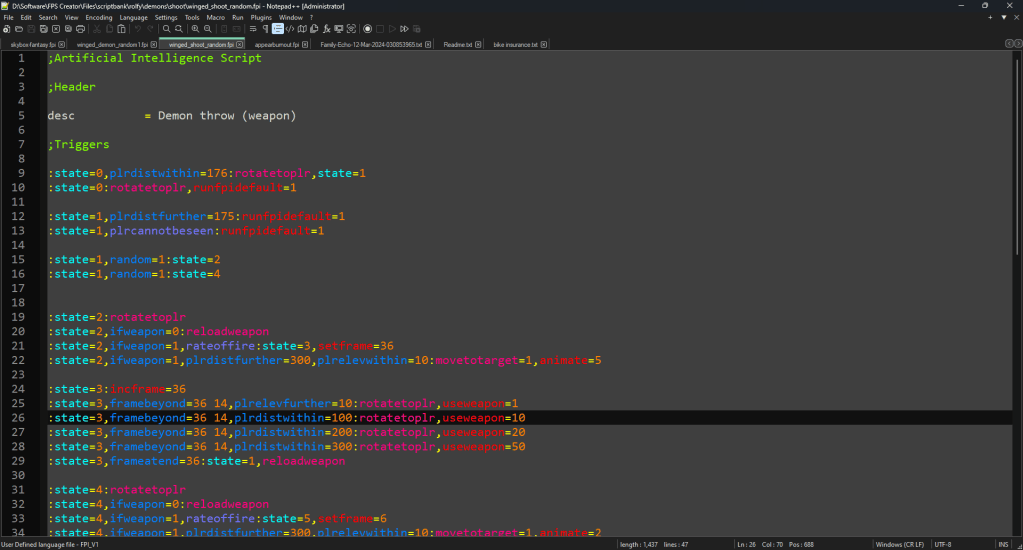
Notepad++ is a powerful and feature-rich text editor that’s a significant upgrade over Windows’ built-in Notepad. While Windows 11’s Notepad has added support for multiple tabs, it still lacks essential features like syntax highlighting. Notepad++ fills this gap with its robust set of tools, making it an ideal choice for developers, programmers, and power users who need a reliable and efficient text editor.
Some of the key features of Notepad++ include:
- Syntax highlighting for multiple programming languages
- Ability to add your own custom language syntax highlighting using user-defined languages
- Code folding and bookmarking for easy navigation
- Advanced search and replace functionality
- Support for plugins and extensions to enhance functionality
- Customizable interface, including:
- Ability to create your own color themes
- Built-in dark mode to reduce eye strain
- Customizable keyboard shortcuts to fit your workflow
With these features and more, Notepad++ is a go-to tool for anyone who works with code, scripts, or text files on a regular basis.
License: GNU General Public License
Malwarebytes
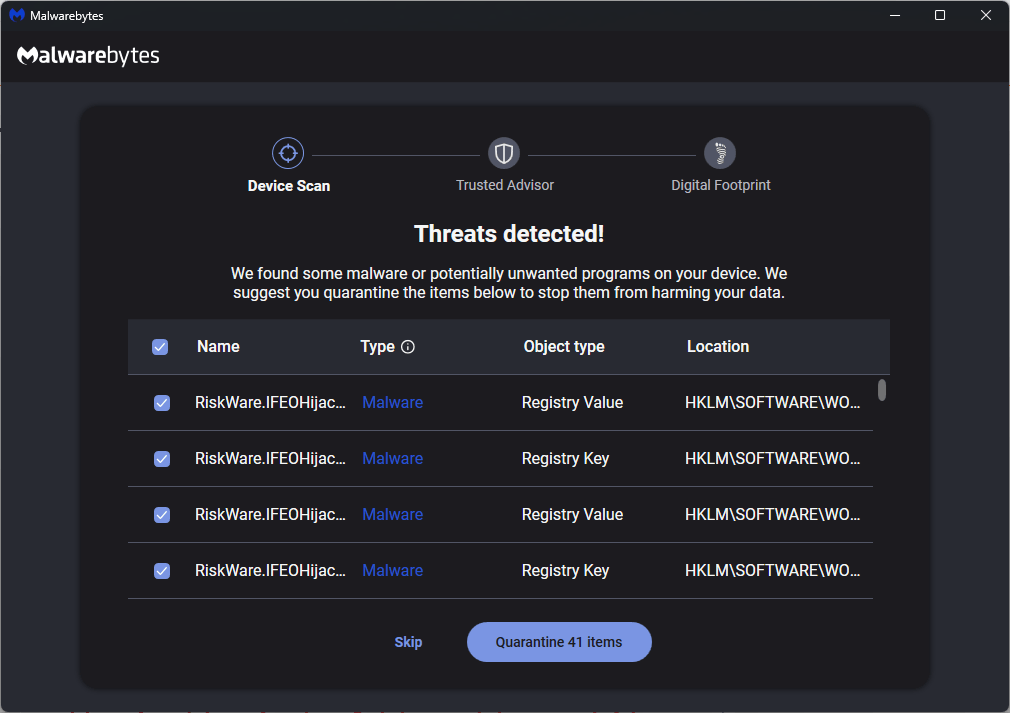
Malwarebytes is a powerful and popular anti-malware software that helps protect your computer from malware, adware, spyware, and other types of threats. With its advanced scanning technology and real-time protection, Malwarebytes can detect and remove malware that traditional antivirus software might miss.
Some of the key features of Malwarebytes include:
- Advanced malware detection and removal
- Real-time protection against malware and other threats
- Scanning and removal of adware, spyware, and other types of malware
- Customizable scanning options and scheduling
- Compatibility with existing antivirus software
- Ability to fix and clean infected USB flash drives, including removal of shortcut viruses that can hide your files and replace them with shortcuts
The best part? Malwarebytes offers a free version that’s perfect for personal use, allowing you to scan and remove malware from your computer. However, if you’re looking for additional features like real-time protection, ransomware protection, and advanced threat detection, Malwarebytes also offers paid versions with enhanced capabilities. Whether you’re a home user or a business, Malwarebytes has a version that’s right for you.
License: Freemium
Q-Dir
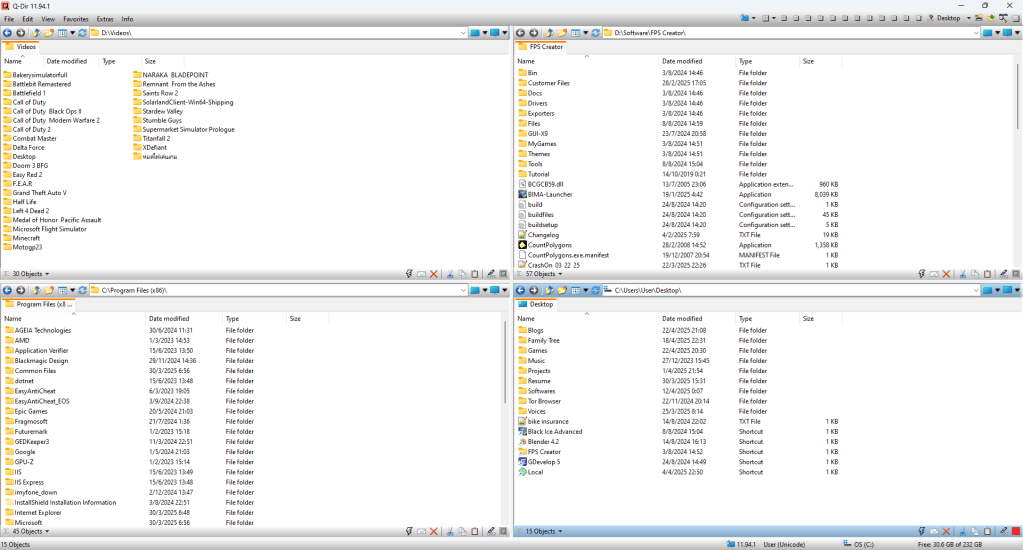
Q-Dir is a free, portable file manager for Windows that offers a unique quad-pane interface, allowing you to view and manage multiple folders simultaneously. With Q-Dir, you can easily navigate and organize your files, copy and move files between folders, and perform various file management tasks with ease.
Some key features of Q-Dir include:
- Quad-pane interface for multitasking and increased productivity
- Customizable layout and settings
- Support for tabs and bookmarks
- Advanced file management features, such as file search and filtering
- Portable and lightweight, making it easy to use on any Windows PC
Q-Dir is a great alternative to the built-in Windows File Explorer, offering more features and flexibility for power users and those who need to manage large numbers of files.
License: Freeware
PaintDotNet

Paint.Net is a free and open-source image editing software for Windows that offers a wide range of features and tools for creating and editing images. With a user-friendly interface and powerful capabilities, PaintDotNet is a great alternative to more complex image editing software like Adobe Photoshop.
Some key features of PaintDotNet include:
- Support for layers, effects, and plugins
- Wide range of image editing tools, including brushes, shapes, and text
- Ability to create images with transparent backgrounds
- Customizable interface and keyboard shortcuts
- Support for various image file formats, including DDS (DirectDraw Surface) format without requiring additional plugins
- Active community and regular updates
PaintDotNet is perfect for hobbyists, graphic designers, and anyone looking for a free and powerful image editing software. Its intuitive interface and robust feature set make it an excellent choice for anyone looking to edit and enhance their images, from simple photo edits to complex graphic designs.
License: Freeware
Free Download Manager
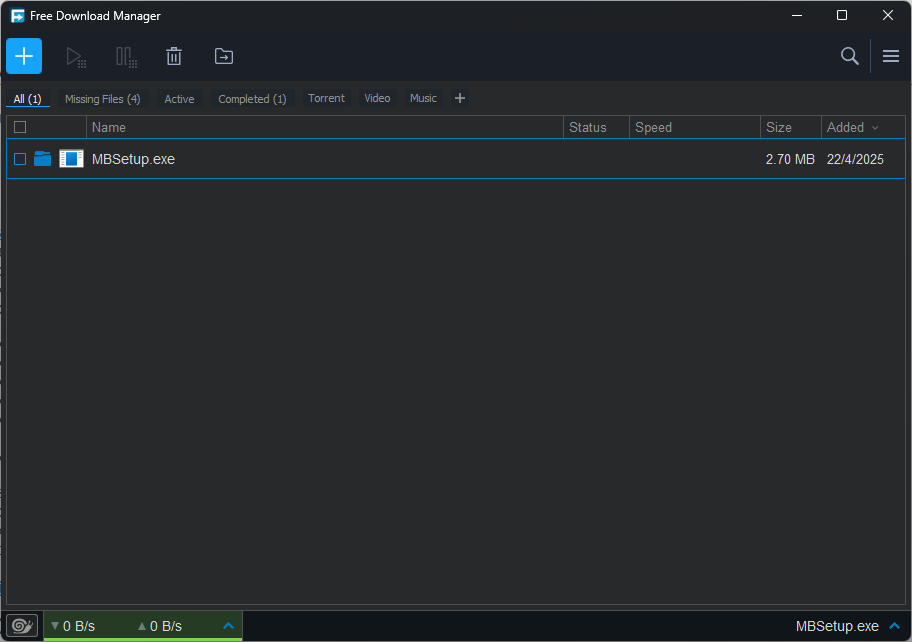
Free Download Manager is a powerful and feature-rich download manager that allows users to accelerate, manage, and organize their downloads. With FDM, you can:
- Download files faster with support for multiple connections
- Resume interrupted downloads
- Schedule downloads
- Organize downloads into categories
- Integrate with popular browsers
- Download torrent files with built-in torrent support
FDM is a great tool for anyone who frequently downloads large files, torrent content, or needs to manage multiple downloads simultaneously. Its user-friendly interface and robust feature set make it an excellent choice for both beginners and advanced users.
License: GNU General Public License (GPL)
Wise Registry Cleaner
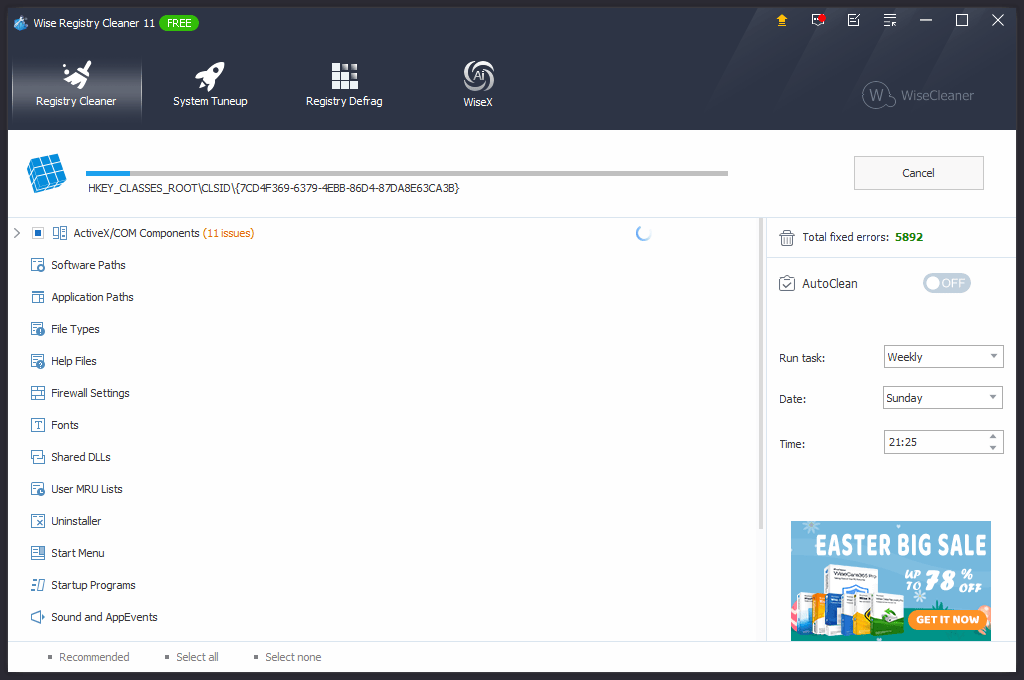
Wise Registry Cleaner is a powerful and feature-rich registry cleaning tool that’s a significant upgrade over manual registry editing. With its robust set of tools, Wise Registry Cleaner helps users optimize and maintain their Windows registry, improving system performance and stability.
Some of the key features of Wise Registry Cleaner include:
- Deep scanning and cleaning of invalid registry entries and errors
- Ability to backup and restore registry settings for safety
- Advanced search and repair functionality
- Support for automatic registry scanning and cleaning
- Customizable settings to fit your needs
- User-friendly interface with clear and concise reporting
- Free to use with no ads or spyware
With these features and more, Wise Registry Cleaner is a go-to tool for anyone who wants to maintain their system’s health and performance.
License: Freemium
Thunderbird
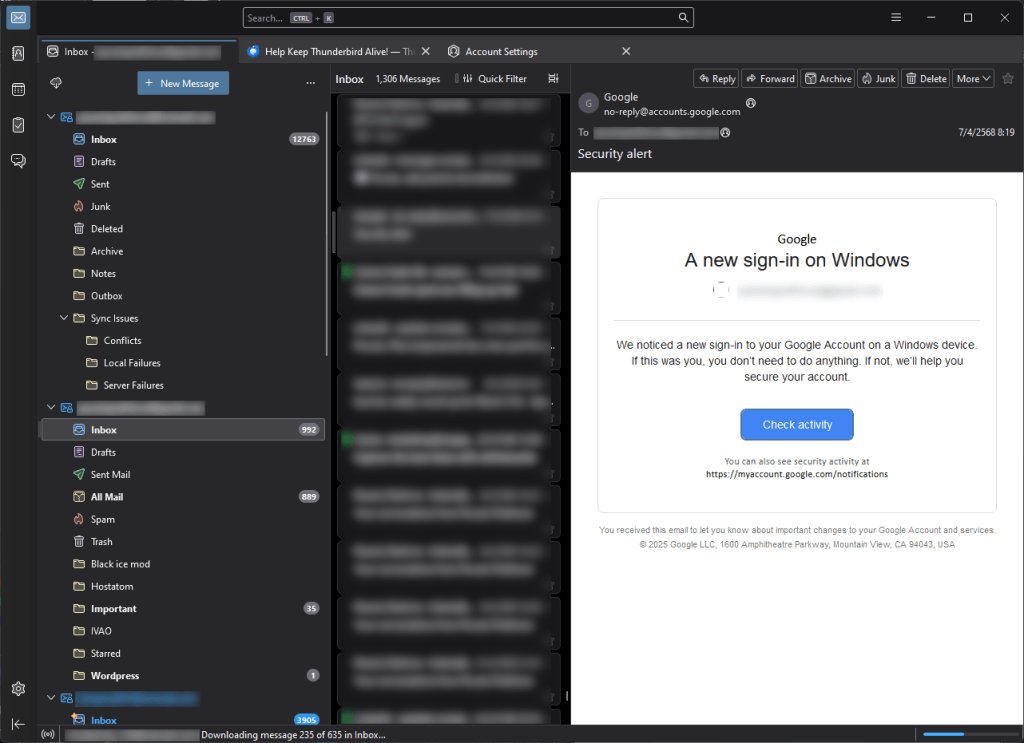
Thunderbird is a powerful and feature-rich email client that’s free, open-source, and customizable. With its tabbed interface, advanced search functionality, and robust security features, Thunderbird helps you manage your email accounts with ease. Plus, with a wide range of add-ons and extensions available, you can tailor Thunderbird to fit your specific needs and workflow.
Some of the key features of Thunderbird include:
- Support for multiple email accounts
- Advanced search and filtering capabilities
- Customizable interface with themes and add-ons
- Robust security features, including phishing protection and spam filtering
- Cross-platform compatibility (Windows, macOS, and Linux)
Whether you’re a casual email user or a power user, Thunderbird is a great choice for anyone looking for a reliable and customizable email client.
License: Mozilla Public License (MPL)
Anydesk
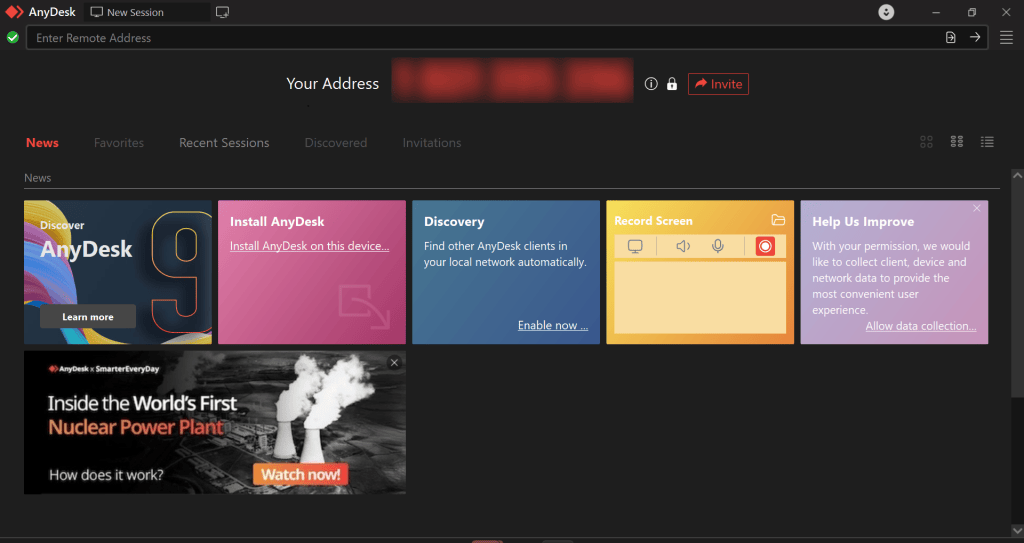
AnyDesk is a powerful and feature-rich remote desktop software that allows users to access and control computers remotely with speed and security. With AnyDesk, you can:
- Access remote desktops with fast and responsive performance
- Collaborate with others in real-time
- Transfer files securely between devices
- Customize settings for optimal performance
- Use advanced security features like encryption and authentication to protect your data
- Access AnyDesk from anywhere, on any device
AnyDesk is a great tool for anyone who needs to work remotely, provide technical support, or access files from another location. Its user-friendly interface and robust feature set make it an excellent choice for both personal and professional use.
License: Freemium
VLC Media Player
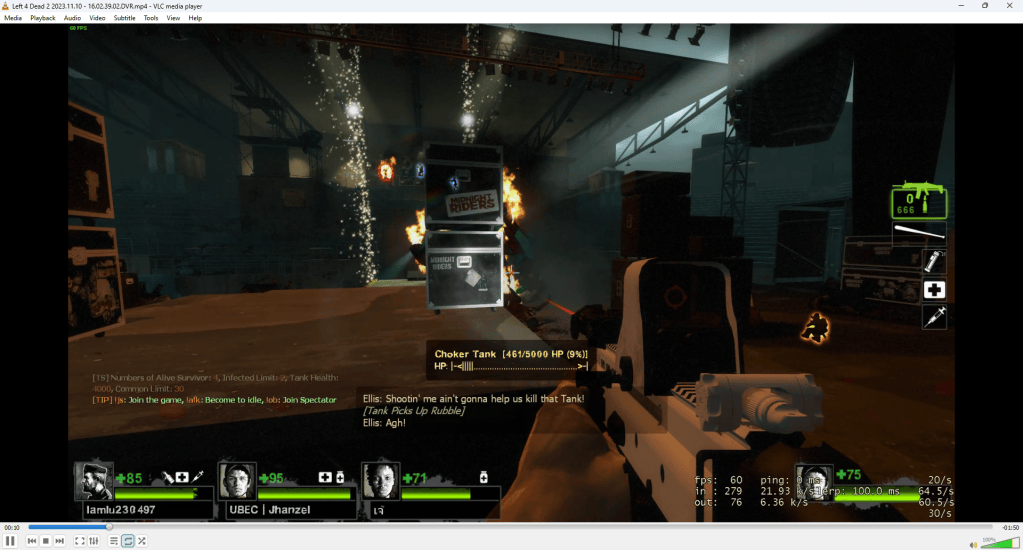
VLC Media Player is a versatile and robust media player that empowers users to play virtually any audio and video format with ease and reliability. With VLC, you can:
- Play a vast array of video and audio formats without needing extra codecs
- Enjoy seamless playback on Windows, macOS, Linux, Android, and iOS devices
- Easily load and customize subtitle tracks for your videos
- Stream online videos and even set up simple streaming yourself
- Fine-tune audio and video settings and personalize the interface
- Experience smooth performance without excessive resource usage
VLC Media Player is an excellent tool for anyone who wants a dependable and adaptable media player for their everyday needs. Its comprehensive format support and user-friendly design make it a top choice for both casual viewers and media enthusiasts.
These versatile free and open-source tools can help you boost productivity, enhance security, and simplify your digital life. With options for office work, coding, and system maintenance, there’s something here for every user. Whether you’re a beginner or an expert, these tools can help you get the job done efficiently.